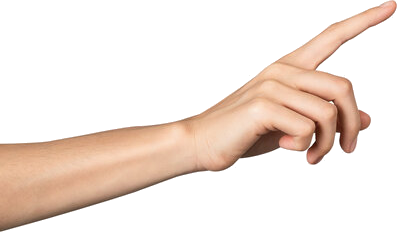
Aim your index finger at the TV. The hollow ring shows where the pen will land.
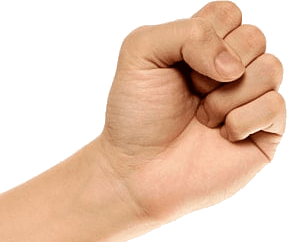
Fist to erase
Close your hand into a fist to switch to the eraser.
For best tracking
Show your palm
Keep your fingers slightly apart with your palm toward the camera — it tracks far better than a tight point.
Stay on the screen
Drawing only works over the TV; off-screen the pen lifts automatically.
Lines feeling jittery? Raise Smoothness in Settings. If tracking drops, move your hand a little further from the camera.
Settings
Brush
Eraser size
4.5%
Tracking
Smoothness
50%
Audio
Background sounds
Plays a looping track
Show your hand
HANDDRAW
Draw in the air
HandDraw is a fun little experiment — sketch on the screen using just your hand. A good webcam in decent lighting gives the best results.
How it works
Your camera feed is read by Google MediaPipe hand-tracking and rendered with Three.js & WebGL — live, right inside your browser.
Private by design
It all runs on your device. Once the assets are loaded it needs no internet, and your camera stream never leaves your computer — nothing is recorded or uploaded.
Master the gestures
Point at the screen to draw — keep your hand facing the camera so it tracks well.
DoFinger up, hand facing the camera
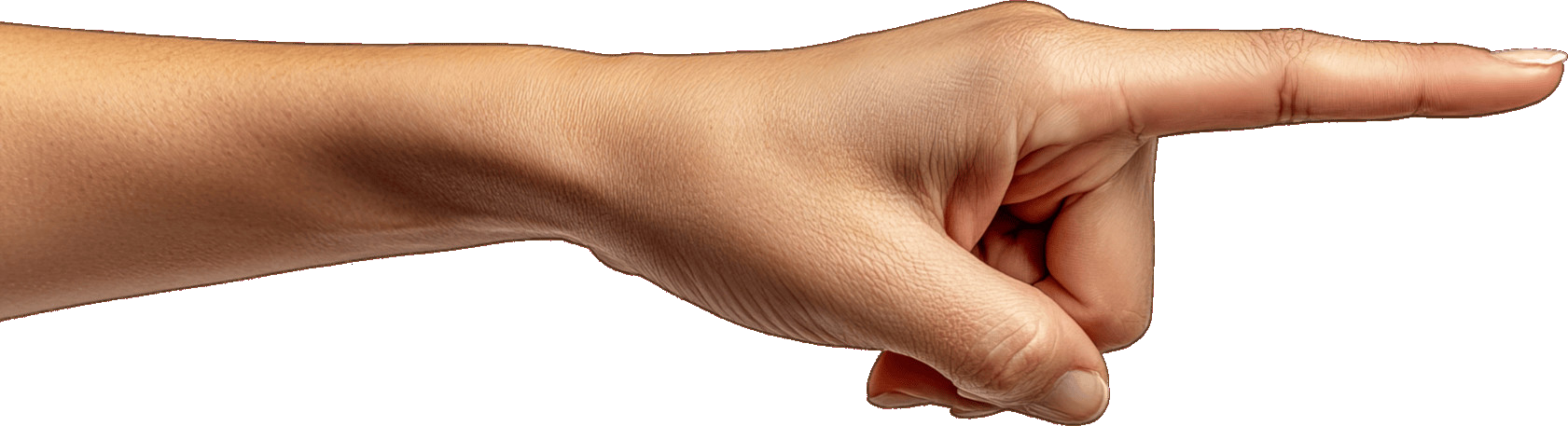
Don'tSide-on — the camera can't see it
Make a fist to erase
Close your hand to erase; open it to draw again.
Enable your camera
HandDraw needs camera access to see your hand. Your browser will ask for permission — you can revoke it anytime.
Camera access is blocked. Click the camera or lock icon in your browser's address bar, allow camera for this site, then try again.
HANDDRAW
Open on a computer
HandDraw needs a webcam and a free hand to draw, so it's built for laptops & desktops. Open this page on a computer for the best experience.
Tip: prop your phone up in landscape so a hand stays free.